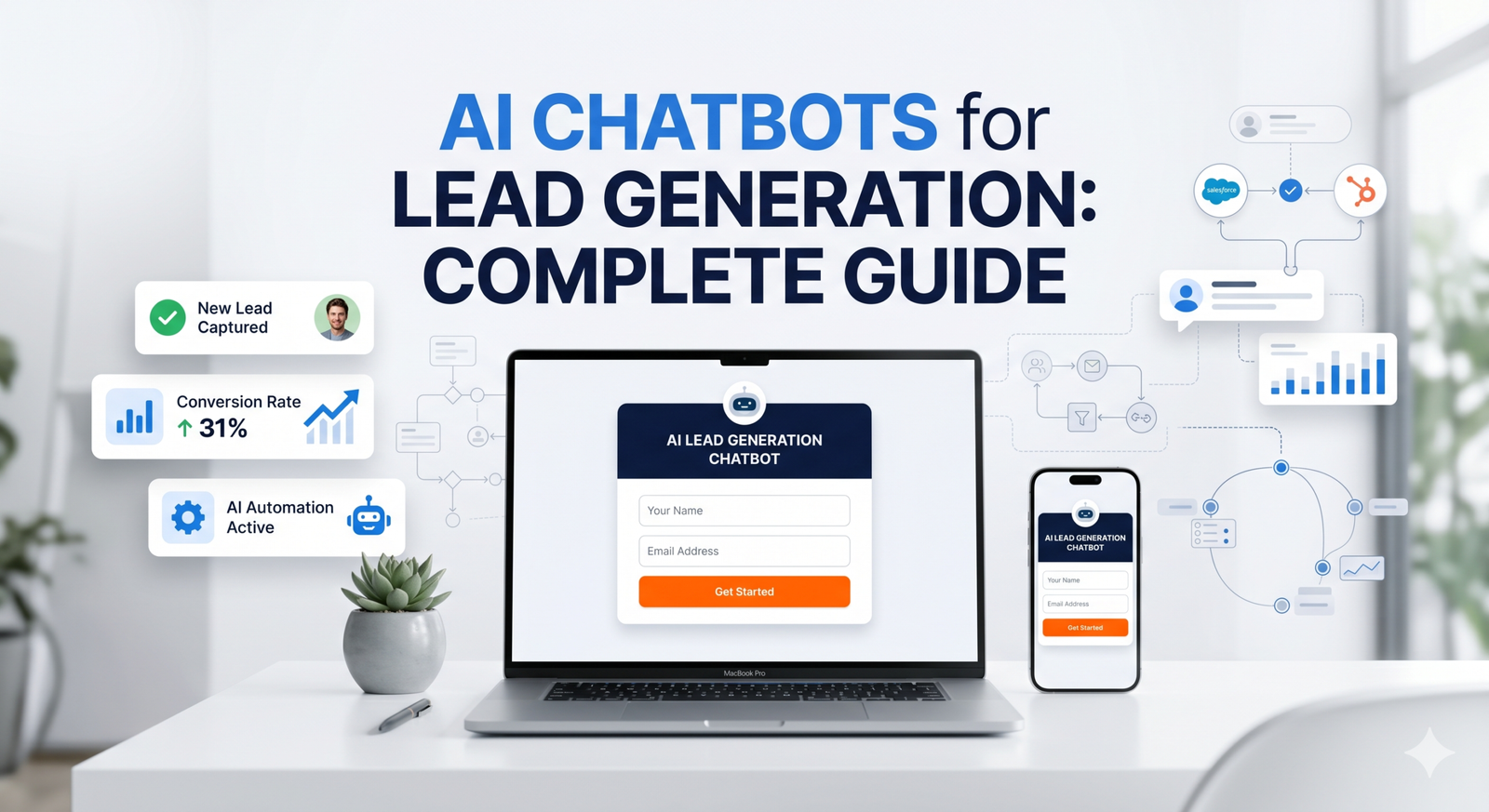
Adding an AI chatbot for WordPress is one of the highest-impact upgrades you can make to your website in 2026. It takes less than 10 minutes to set up properly. Whether you run a small business site, a WooCommerce store, or a service-based WordPress site, an AI chatbot for WordPress captures leads, answers questions, and books meetings automatically around the clock.
WordPress powers over 40 percent of all websites on the internet according to W3Techs. But most of those sites are still running on static pages that cannot respond to visitors, cannot capture leads after hours, and cannot book meetings while the owner sleeps. An AI chatbot changes all of that.
This guide covers everything you need to know: what to look for in a WordPress AI chatbot, how to install one without touching a single line of code, how to train it on your business, and how to get it booking leads and meetings from day one. If you also want to connect it to your calendar, see our guide on setting up a chatbot Calendly integration.
Why Every WordPress Site Needs an AI Chatbot in 2026
In 2026, website visitors expect immediate responses. Not a contact form that takes 24 hours to get a reply. Not a live chat widget that shows an agent as offline. They want an answer right now, at whatever time they land on your page.
The average business takes 47 hours to respond to a web enquiry. An AI chatbot for WordPress responds in under a second. That gap in response time is one of the most significant conversion factors on any website. Research consistently shows that leads contacted within five minutes are dramatically more likely to convert than those contacted even an hour later.
Beyond response time, a well-configured WordPress AI chatbot does three things that no static page can do:
- Captures leads automatically. It collects names, emails, and phone numbers during natural conversation, even at 3am on a Sunday
- Answers questions instantly. It handles 70 percent of common visitor questions without any human involvement
- Books meetings on your behalf. It shares your Calendly link at exactly the right moment in the conversation so visitors can schedule without leaving the page
The result is a website that actively works for your business rather than passively displaying information and hoping visitors take action on their own.
What to Look for in an AI Chatbot for WordPress
Not all WordPress chatbot solutions are equal. Before choosing one, check that it meets these five criteria:
How to Add an AI Chatbot to WordPress: 6 Steps
This guide uses YourSaleMate, an AI chatbot for WordPress with built-in Calendly integration, multi-model AI support, and a free plan to get started. The embed process works with any WordPress theme and takes under 10 minutes.
Create Your Free Account
Go to yoursalemate.com and sign up for free. No credit card required. The free plan includes 300 message credits per month, one AI agent, and one website embed. More than enough to get started and see results before committing to a paid plan.
Create and Describe Your AI Agent
Click Create New Agent and describe what your agent should do. Be specific about your business, your customers, and what you want the agent to achieve. The description becomes the agent’s core instruction set. The more detail you provide, the better it performs from the first conversation.
Train It on Your WordPress Site
Go to the Training section and paste your WordPress site URL. YourSaleMate crawls your entire site automatically, covering every page, post, product, and FAQ. This takes about two minutes and gives your agent an accurate knowledge base covering everything your visitors are likely to ask.
You can also upload PDF documents, add custom Q&A pairs, and paste plain text for anything not covered on your public pages. Agents trained on all four sources handle 70 to 80 percent of questions automatically.
Customise the Appearance
In the Appearance settings, match the chat bubble colour to your WordPress theme’s primary colour. Give your agent a human name that fits your brand. Something like “Alex” or “Aria” performs better than “Bot” or “Assistant”. Write a specific welcome message that tells visitors exactly what the agent can help with. A widget that feels native to your site converts significantly better than a generic one.
Connect Calendly (Optional but Highly Recommended)
Go to Integrations and connect your Calendly account with one click. Select the event type you want the agent to share, such as a 30-minute discovery call or product demo. From this point on, whenever a visitor shows buying intent, your WordPress AI chatbot shares the booking link naturally in conversation and turns curious visitors into scheduled meetings automatically. Read our full guide on chatbot Calendly integration for a deeper walkthrough of this feature.
Embed the Script on Your WordPress Site
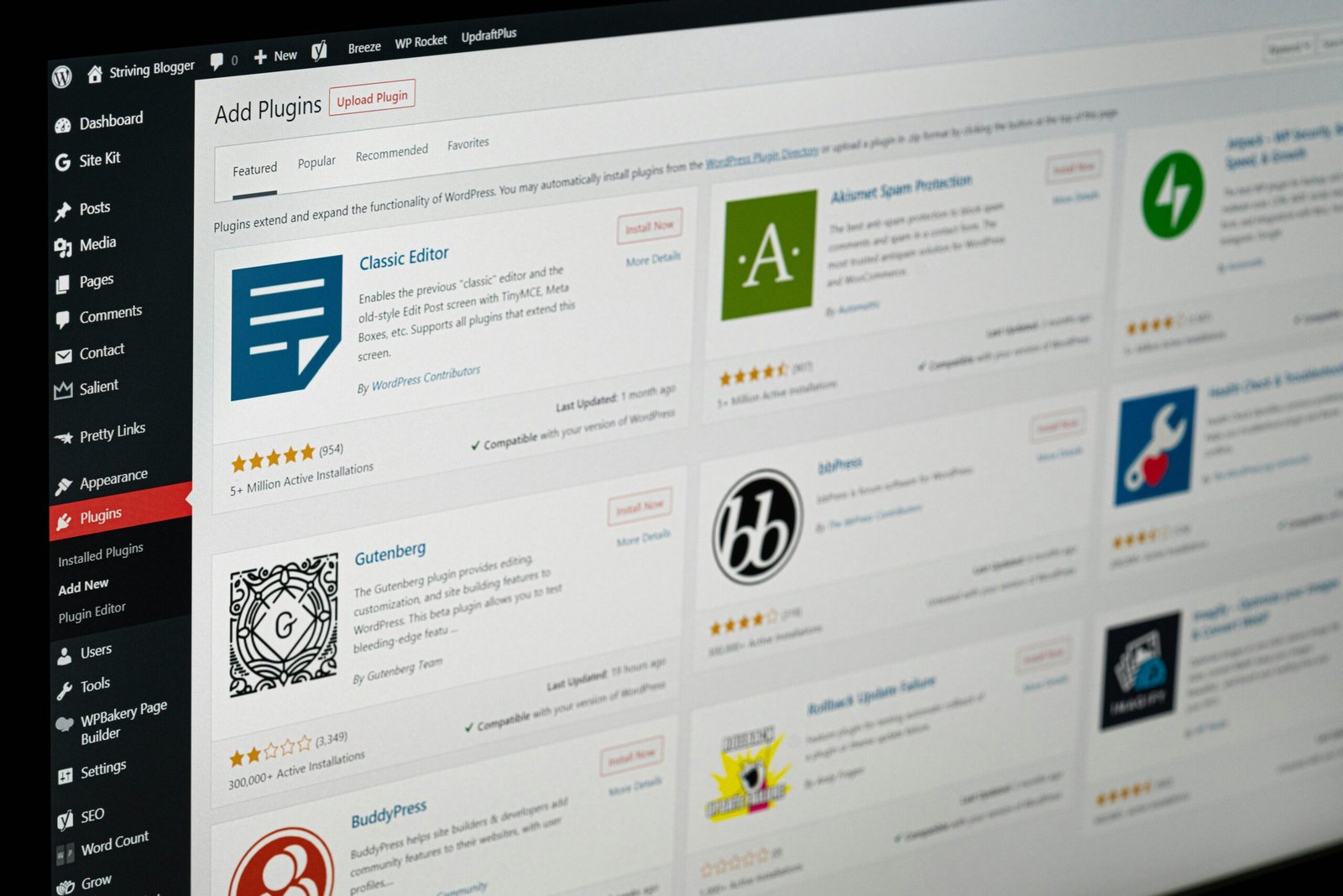
Go to Deploy and copy your embed script. It is a single line of JavaScript. Paste it into your WordPress site using one of these methods:
To learn more about how YourSaleMate works before embedding, visit the how it works page. For pricing details, see the pricing plans. The free plan is a great starting point.
AI Chatbot for WordPress: What Results to Expect
WordPress site owners using AI chatbots report three consistent improvements in the weeks after launch.
More leads captured overnight. Visitors who arrive outside business hours no longer bounce without leaving any trace. The chatbot captures their name, email, and what they are looking for. Your morning starts with qualified leads instead of missed opportunities.
Fewer repetitive support emails. The most common questions about pricing, features, delivery times, and return policies get answered automatically. Teams using this setup consistently report significant reductions in support ticket volume within the first 30 days.
More meetings booked without outreach. When connected to Calendly, WordPress AI chatbots turn inbound interest directly into scheduled calls. Visitors go from landing on your page to being in your calendar without you sending a single follow-up email.
Common Issues When Setting Up an AI Chatbot for WordPress
Frequently Asked Questions
Adding an AI chatbot for WordPress is no longer an advanced feature reserved for enterprise sites with large development budgets. In 2026 it is a standard upgrade that any WordPress site owner can complete in under 10 minutes. It pays for itself in captured leads and booked meetings within the first week of being live.
Add a Free AI Chatbot to Your WordPress Site Today
YourSaleMate is free to start, takes under 10 minutes to set up, and works with any WordPress theme. No plugin, no developer, no credit card required.